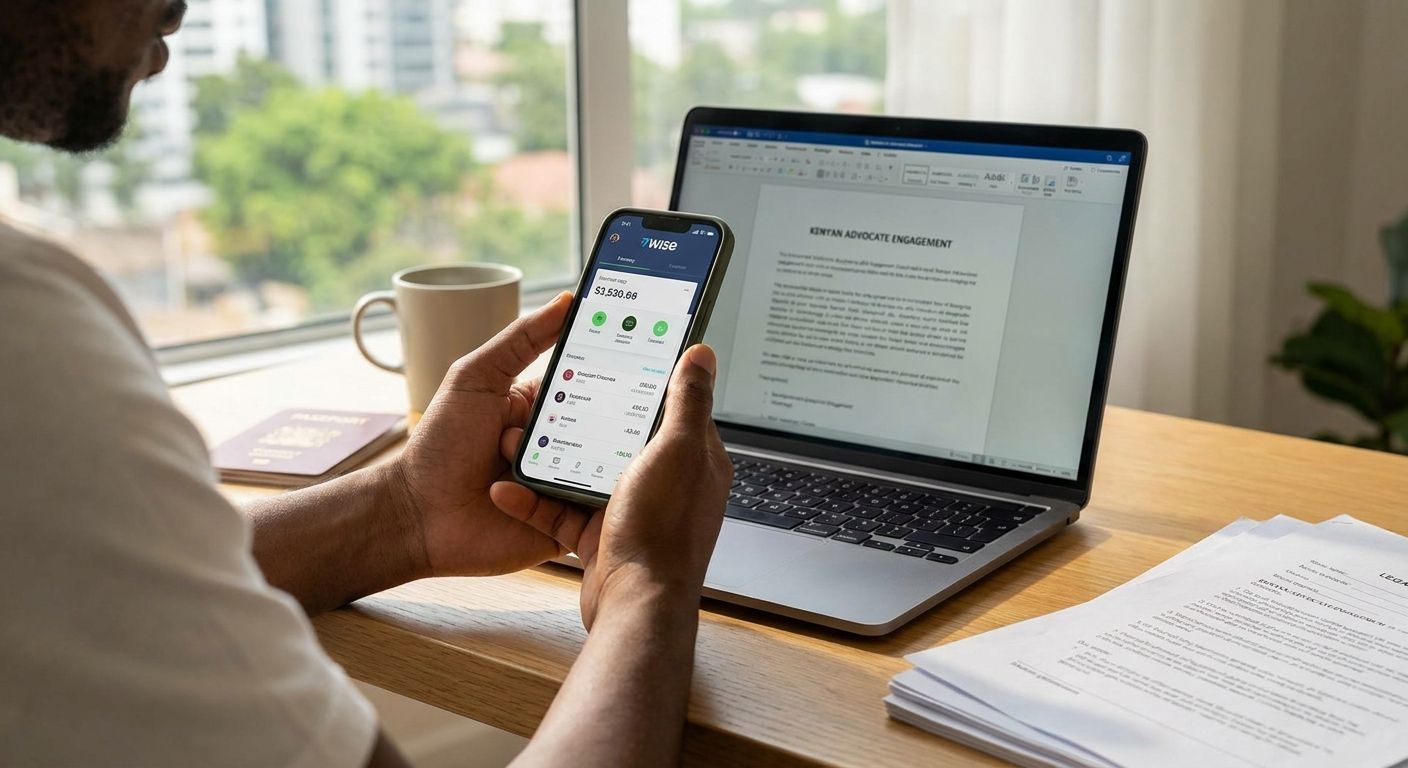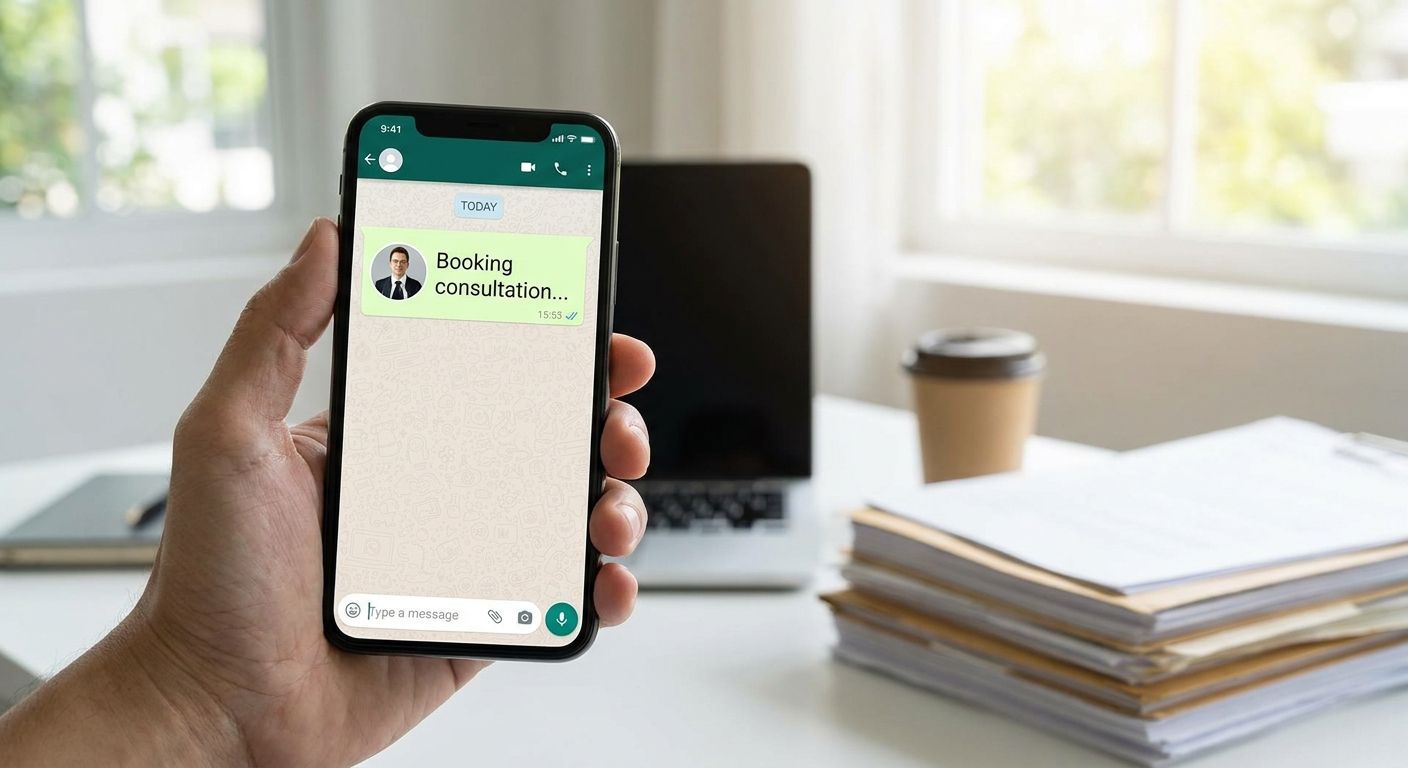
Waiting on hold with a law firm, or trading five emails just to lock a time slot, is the slow way to reach an advocate in Kenya in 2026. Book an advocate consultation via WhatsApp on Lex Africa instead: pick a practice area, choose a slot, pay, and get your confirmation, reminder and video call link sent straight to your phone.
- You can book an advocate consultation via WhatsApp on Lex Africa in under five minutes once you have a phone number and a payment method ready.
- Sessions run 15 minutes with LSK-verified advocates across employment, property, family and business law.
- WhatsApp carries your confirmation, reminder and video link — the actual consultation happens over video, not inside the chat thread.
- Reschedules and cancellations can also be handled through the same WhatsApp thread, not by phone call or email.
- Diaspora Kenyans can book the same way from abroad; only the time zone on your reminder changes.
Why this matters
Most people who need an advocate in Kenya need one fast — a termination letter just landed, a tenant stopped paying, a title deed looks off. Sitting in a firm's inbox queue for two days defeats the purpose.
Booking through WhatsApp collapses that wait into one exchange. You get a written record of your booking time, your advocate's confirmation and your call link in the same thread you already check dozens of times a day, instead of a confirmation email that lands in Promotions. For a 15-minute paid consultation, that speed is the entire point.
Before you start
- A working phone number with WhatsApp installed — this is where your confirmation, reminder and video call link arrive, so use a number you check regularly, not a work SIM you rarely carry.
- A payment method ready (mobile money or card) — bookings confirm faster when payment clears before you start messaging back and forth about a slot.
- The gotcha: the 15-minute consultation itself happens over video, not inside the WhatsApp chat. WhatsApp is the channel for booking, reminders and the call link — treat it as your notification system, not the meeting room, or you will wait in the wrong window for your advocate to appear.
Start your booking on Lex Africa
- Go to lex.africa and select the practice area that matches your issue — employment, property, family or business law.
- Choose an available time slot from the calendar shown for that practice area.
- Enter the phone number where you want your confirmation and reminder sent.
Expected result: you should see a slot marked as held for you before you're asked for payment. If no slot locks, your phone number likely needs re-entry — check for typos before retrying.
Confirm and pay
- Review the advocate assigned or the list of LSK-verified advocates available for that practice area and time.
- Complete payment through the method offered on the booking page.
- Watch for a payment confirmation on-screen before closing the tab.
Expected result: a confirmation message reaches your phone within a few minutes of successful payment. If ten minutes pass with no message, check that the number you entered has WhatsApp active and isn't archived or blocked from unknown business numbers.
Get your WhatsApp confirmation and reminder
- Open the confirmation message and check the date, time and advocate name match what you selected.
- Save the thread — this is where your reminder and video call link will land closer to your slot.
- Confirm your time zone if you're booking from outside Kenya, since the slot time is set in Kenyan time.
Expected result: a reminder arrives ahead of your scheduled slot, followed by the video call link at or just before your start time.
Join the call at your slot time
- Tap the video link sent to your WhatsApp thread at your scheduled time.
- Join a few minutes early — the session is 15 minutes and starts on the clock, not when you happen to log in.
- Have your documents (contract, notice letter, title deed, whatever's relevant) ready to reference on-screen.
Expected result: you're connected to your advocate for a paid 15-minute consultation. Remember this is general information and guidance from the advocate, not a lawyer-client relationship until agreed in writing.
Reschedule or cancel through WhatsApp
The same thread that confirmed your booking can usually handle changes. If your slot no longer works, reply in the WhatsApp thread as early as possible rather than simply not showing up — a no-show wastes a slot another client could have taken, and last-minute changes are far easier to accommodate the earlier you flag them.
Book your advocate consultation now
Pick a practice area and time slot, then get your confirmation on WhatsApp.
Troubleshooting
- No WhatsApp confirmation arrives. Check the number entered at booking for typos, and confirm WhatsApp notifications aren't muted or the sender isn't sitting in your Archived or Spam folder.
- Video link doesn't open at the scheduled time. Links can take a minute to activate right at the slot start — refresh the thread rather than requesting a new link immediately.
- You booked the wrong practice area. Message the same WhatsApp thread as soon as you notice; a mismatched advocate specialty wastes your 15 minutes.
- Time zone confusion for diaspora bookings. Slot times are set in Kenyan time (EAT) — convert before you commit, since a reminder sent at the correct Kenyan time can land in the middle of your night elsewhere.
- Payment went through but no slot confirmation. Wait ten minutes before assuming failure — confirmations sometimes queue behind payment processor delays, especially around peak hours.
Customize your workflow
Once your consultation is booked, add it to your calendar so it doesn't get lost in a WhatsApp thread you'll scroll past later — see how to add your advocate consultation to Google Calendar for the steps. If you're not sure which practice area or advocate fits your situation before you even start the WhatsApp flow, browse advocates near you in Kenya first and narrow it down.
FAQ
What's the best way to book an advocate consultation via WhatsApp?
Start the booking on lex.africa, select a practice area and time slot, then complete payment — your confirmation, reminder and video call link arrive on WhatsApp from there. The booking itself happens on the website; WhatsApp is the notification channel.
How long is a Lex Africa advocate consultation?
Sessions run 15 minutes with an LSK-verified advocate. That's enough time to get direction on a specific question, not a full case review.
Is the actual legal consultation held inside WhatsApp?
No. The consultation happens over a video call link sent to your WhatsApp thread — WhatsApp handles booking confirmation, reminders and the link, not the call itself.
What do I need before booking an advocate consultation via WhatsApp?
A working phone number with WhatsApp installed and a payment method ready. Have any relevant documents on hand too, since the 15-minute window moves fast.
Are the advocates on Lex Africa verified?
Advocates on Lex Africa are LSK-verified, meaning their standing with the Law Society of Kenya has been checked before they're listed. Verification status doesn't guarantee outcome, but it confirms who you're speaking to.
Can I reschedule a consultation through WhatsApp?
Yes, replying in the same WhatsApp thread that confirmed your booking is generally the fastest way to change a slot. Flag changes as early as possible rather than waiting until near your scheduled time.
How much does an advocate consultation cost in Kenya in 2026?
Costs vary by advocate and practice area, so check current rates on the booking page before confirming. General lawyer fee ranges in Kenya depend heavily on the complexity and type of matter.
Can diaspora Kenyans book a consultation via WhatsApp from abroad?
Yes, the booking flow works the same from outside Kenya. The one thing to check is time zone — slot times are set in Kenyan time (EAT), so convert before you commit to a slot.
One last thing
The part people miss most often in 2026 bookings isn't the payment step — it's forgetting that the WhatsApp thread is a notification channel, not a waiting room. Advocates don't sit typing in the chat; they show up on the video link at the scheduled minute, so treat your reminder as a countdown, not an invitation to start messaging questions ahead of time.