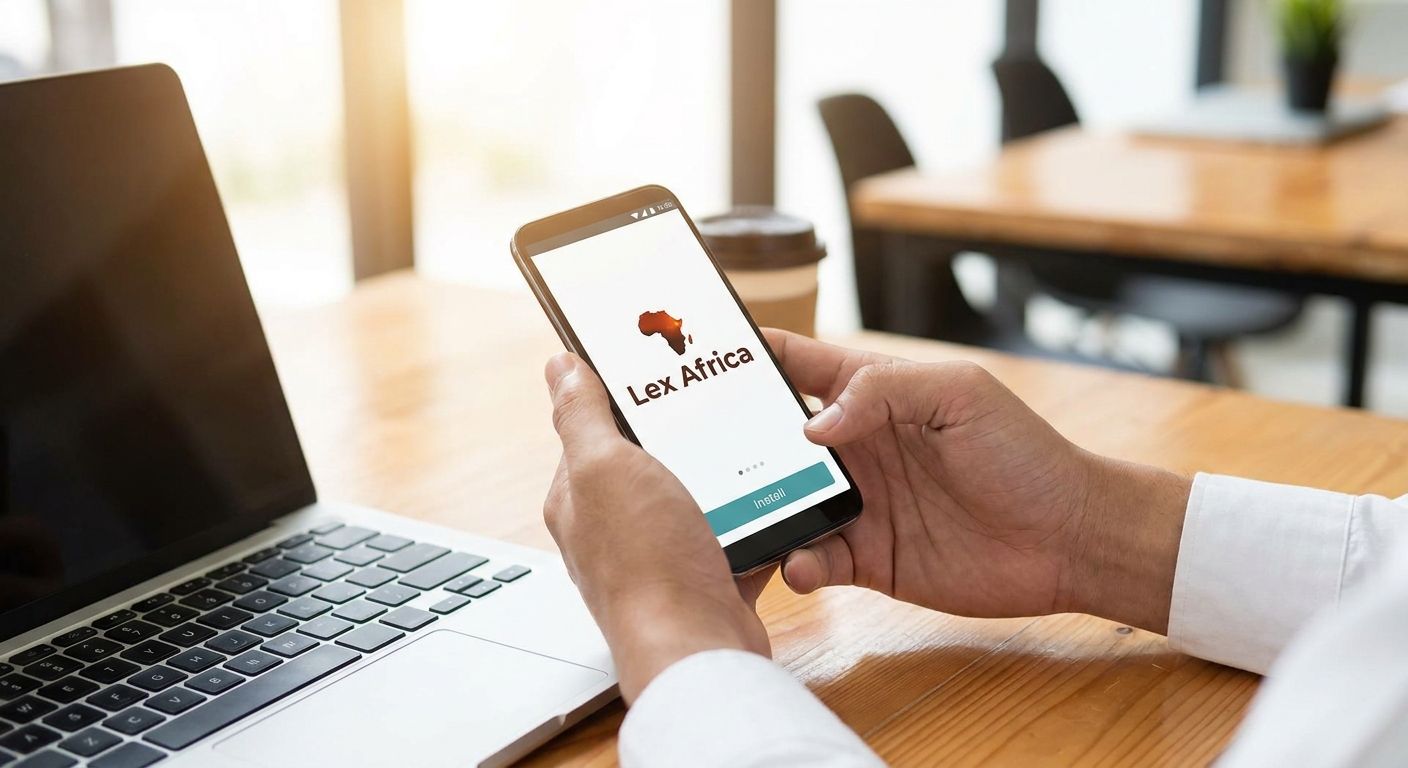
There's no Lex Africa app in the App Store or Google Play in 2026 - "installing the Lex Africa app" means adding the lex.africa website to your phone's home screen as a shortcut, and it takes under a minute on iPhone or Android. Instead of typing lex.africa into your browser or searching for it every time you need an advocate, set the shortcut up once so your next booking for a 15-minute video consultation takes seconds instead of a search.
- Lex Africa app install means adding lex.africa to your phone's home screen, not downloading from an app store.
- iPhone: open Safari, tap Share, then Add to Home Screen. Android: open Chrome, tap the menu, then Install app.
- The shortcut opens Lex Africa in one tap, useful for booking a 15-minute consultation faster in 2026.
- Sync a confirmed consultation to Google Calendar for a reminder ahead of the call.
- Skip searching app stores - install the Lex Africa web app directly from your browser in under a minute.
Why this matters
People searching "lex africa app install" usually expect a download link and don't find one, because Lex Africa runs as a website that connects you to LSK-verified advocates, not as a native app. That's not a downgrade. A browser-based shortcut, technically called a web app or Progressive Web App shortcut, opens full-screen with no address bar and behaves like any other icon on your phone.
For a platform built around quick 15-minute video consultations, the shortcut matters more than it would for, say, a shopping app. The whole point of Lex Africa is speed - getting from "I have a legal problem" to a booked slot with an advocate - and a home screen icon removes the step where you re-search for the site every time. It works identically whether you're in Nairobi or checking in from the diaspora on a different time zone.
Before you start
- Use your phone's actual browser app - Safari on iPhone or Chrome on Android - not an in-app browser inside Facebook, Instagram, or WhatsApp. Those don't expose the install option at all.
- Have an open connection to lex.africa at the moment you add the shortcut, since the browser grabs the site icon at that point.
- The non-obvious gotcha: if you add the shortcut while browsing in private/incognito mode, it may not carry your login session, so you'll be prompted to sign in again the first time you open it.
Set up the shortcut on iPhone (Safari)
- Open Safari and go to lex.africa.
- Tap the Share icon - the square with an upward arrow - in the bottom toolbar.
- Scroll down the share sheet and tap Add to Home Screen.
- Edit the shortcut name if you want something shorter, then tap Add in the top-right corner.
Expected result: a Lex Africa icon lands on your home screen, and tapping it opens the site full-screen with no browser bar - functionally identical to opening an app.
Set up the shortcut on Android (Chrome)
- Open Chrome and go to lex.africa.
- Tap the three-dot menu icon in the top-right corner.
- Tap Add to Home screen, or Install app if your Chrome version shows that label instead.
- Confirm by tapping Add or Install in the pop-up.
Expected result: the icon appears on your home screen or in your app drawer, and it opens in a standalone window without the usual browser tabs and address bar.
Sync your consultation to Google Calendar
Once a consultation is booked and confirmed, the shortcut alone won't remind you of it - browser shortcuts don't send push notifications the way native apps do. The workaround is calendar sync: after booking, add your advocate consultation to Google Calendar so the session shows up with a reminder ahead of the call. Do this every time you book, not just the first time, since each 15-minute slot is a separate calendar event.
Troubleshooting
- "Add to Home Screen" doesn't appear at all. You're likely inside an in-app browser. Tap the "..." or three-dot menu inside that app and choose "Open in Chrome" or "Open in Safari" first, then repeat the steps above.
- The icon shows a generic globe instead of the Lex Africa mark. Clear the browser cache, reload lex.africa fresh, and add the shortcut again - a cached page sometimes fails to fetch the site icon.
- The shortcut logs you out every time you open it. Some Android browsers don't share cookies between the home screen shortcut and the main browser app. Log in from inside the shortcut itself rather than the browser tab.
- No notifications ever show up. This is expected behavior for a browser shortcut, not a bug - it isn't a native app with push permissions. Calendar sync is the reliable substitute.
- The page looks cramped or broken inside the shortcut. Update Safari or Chrome to the latest version; older browser builds render the standalone shortcut in a narrower viewport than the regular browser tab.
Customize your workflow
Once the shortcut is on your home screen, the fastest next move is bookmarking the specific practice area you actually use, rather than always landing on the homepage. If you're dealing with a termination or unpaid salary, going straight to the employment pages saves a step every single time in 2026.
Book your first consultation
Connect with an LSK-verified advocate for a 15-minute video call.
FAQ
Is there a Lex Africa app on the App Store or Google Play?
No, Lex Africa runs as a website in 2026, not as a listing in the App Store or Google Play. "Installing the app" means adding lex.africa to your phone's home screen as a browser shortcut.
How do I install the Lex Africa app on iPhone?
Open lex.africa in Safari, tap the Share icon, then tap Add to Home Screen and confirm. The icon then opens the site full-screen like a native app.
How do I install the Lex Africa app on Android?
Open lex.africa in Chrome, tap the three-dot menu, then tap Add to Home screen or Install app depending on your Chrome version.
Does the Lex Africa shortcut work offline?
No, the shortcut still needs an internet connection since it loads the live lex.africa site rather than storing data on your device.
Can I book a consultation faster once the shortcut is installed?
Yes, the shortcut removes the step of searching for or typing lex.africa, so booking a 15-minute video consultation with an advocate takes one tap to open the site.
Why doesn't Add to Home Screen show up in my browser?
This usually happens inside an in-app browser like Facebook, Instagram, or WhatsApp. Open lex.africa in Safari or Chrome directly to see the option.
Will I get notifications from the Lex Africa shortcut?
No, browser shortcuts don't support push notifications the way native apps do. Syncing a booked consultation to Google Calendar is the more reliable reminder.
Do I need an account before adding the shortcut?
No, you can add the shortcut first and sign in or book afterward - the shortcut just opens the site, it doesn't require login on its own.
One last thing
The fastest booking path in 2026 isn't the home screen shortcut itself - it's bookmarking the specific practice area page you return to most, rather than the homepage. Someone dealing with a repeat property dispute gains more from a direct shortcut to a property page than from re-navigating a general menu every time.